
How do I create an account?
Creating an account on Hi.Fan is quick and easy! Follow these steps:
1️⃣ Go to the Sign-Up Page → Click here to register
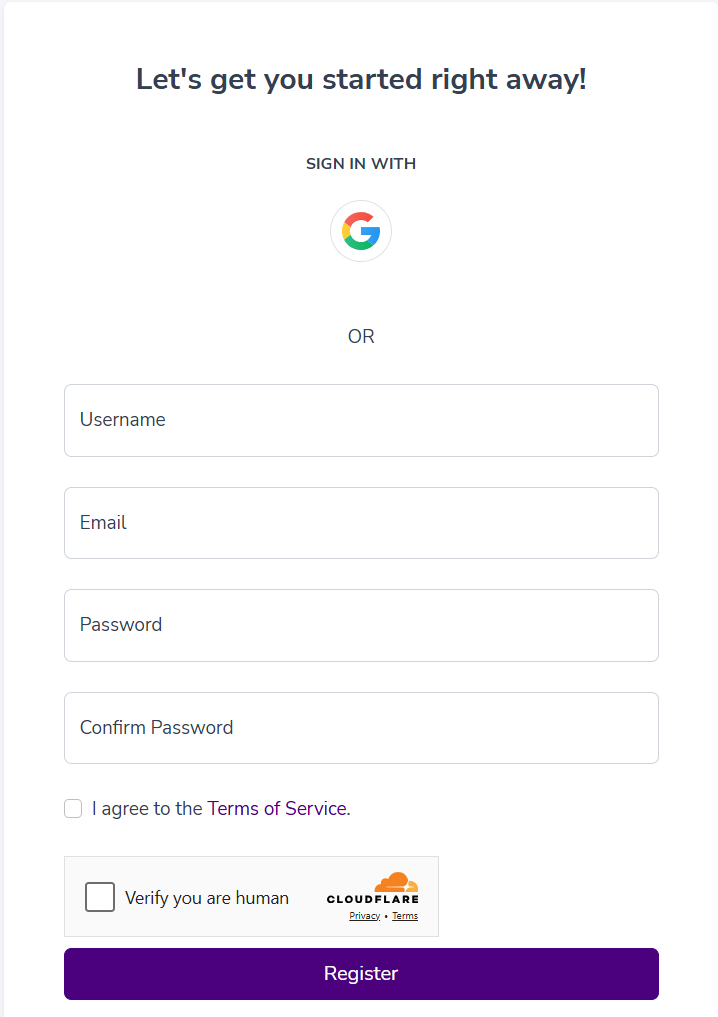
2️⃣ Enter Your Details → Provide your email address, create a password, and fill in any required information.
3️⃣ Confirm Your Email → Check your inbox for a verification email and click the confirmation link.
4️⃣ Set Up Your Profile → Customize your Bio Page, add links, and start sharing!
That’s it! You’re ready to use Hi.Fan to manage your Link in Bio, Short Links, and QR Codes. 🚀
134